
A tough concept to understand unless you have worked in software that supports layered elements is what a layered file is.
A layered file allows a designer to manipulate the individual elements within the overall image, such as text, logos, ornamentation, and photos.
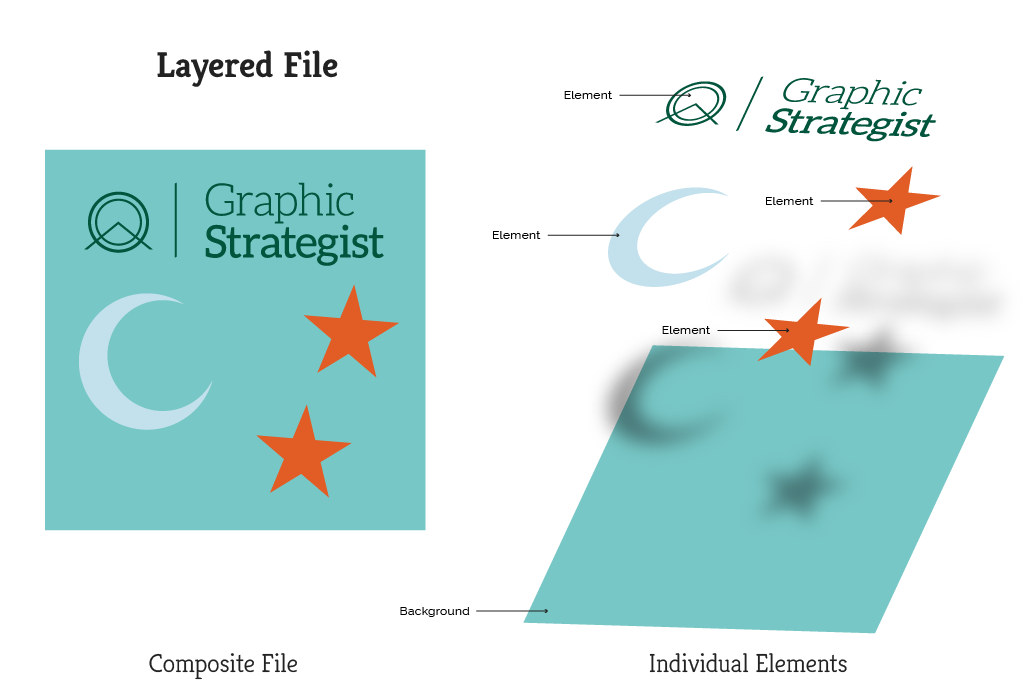
In the example above, the logo, stars, and moon can each be individually and independently rearranged, recolored, resized–or deleted completely.
Common types of layered files include those native to industry-standard design software, like Adobe Photoshop (.psd), Illustrator (.ai), and InDesign (.indd). Video editing software also contains layers of audio, video, and text.
Files produced by design software can also be layered, too, like .eps, .svg, and sometimes a .pdf (curveball on this later).
Flat files are different. There is only one “layer” and the individual elements in it cannot be manipulated. These kinds of files include .jpg and .png files.
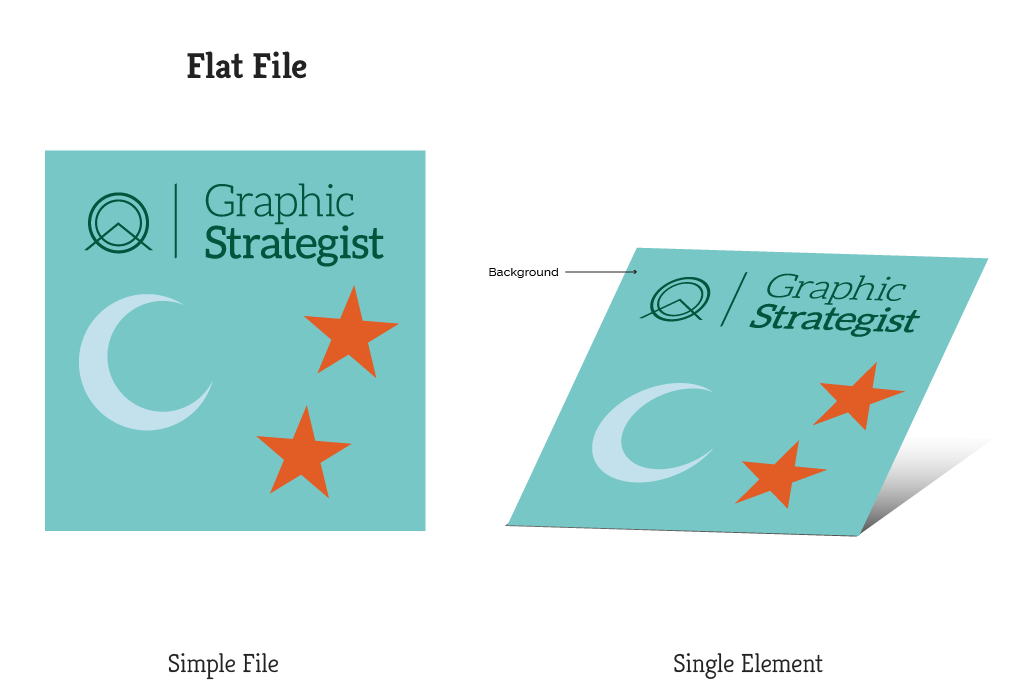
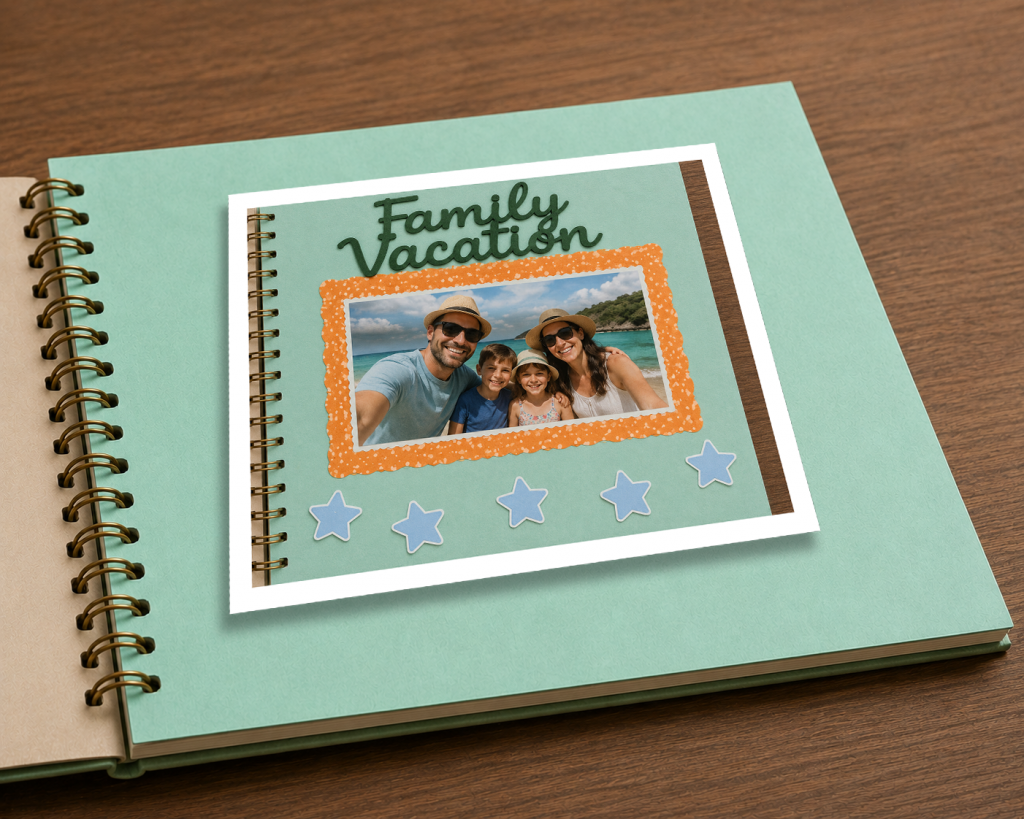
Think of a layered file as a scrapbook page, where the photos, frames, ornamentation, and text are all separate pieces stacked on top of one another; and think of a flat file as a photograph of that scrapbook page.
Layering Metaphors: Scrapbooking
In the actual scrapbook page (our layered file), you can move around photos, frames, decorative elements, and text in three dimensions to suit your fancy.

In our flat file, you can’t modify the elements in it. You’re just looking at a picture of those elements on a single plane.

Curveball: Not all file types that support layers actually contain layers.
Your file may end in .psd, .svg, or .eps, but that doesn’t necessarily mean it contains layers. The only way to know is to open it in software that supports layers.
Someone can paste a .jpg (flat file) into an .eps file (layered file), and it is easy to assume the file is layered based on its file extension (.eps). But, once opened, it is just a single layer.
To continue with our scrapbook metaphor, it would be like pasting a photo of a completed scrapbook into the scrapbook. The only thing we can manipulate is the orientation of the photograph; we cannot manipulate the text, photo, or ornamentation.
Unfortunately, there is variance to some file types, too: usually .tiff files are flat, but if a designer saves them as layered .tiff files, then they will have layers similar to a Photoshop file. Same with a .pdf: sometimes they contain layers, but if the .pdf was flattened upon export, it will not have layers; each page in the .pdf is basically a picture.
If you plan to professionally print your file, and it includes specialty finishes like spot UV coating, metallic foil, white ink, or embossing on specific areas, a printer needs these areas on a separate layer.